If you have forgotten your SpurrOpen password or are unable to sign in, you can reset your login credentials by requesting a password reset email.
Step 1: Open the Reset Login Page
- Visit SpurrOpen.com.
- Select Sign Up / Login from the top-right corner.
- On the Login page, click Forgot your password? or Get a new one here.
You will be directed to the Reset Login page.
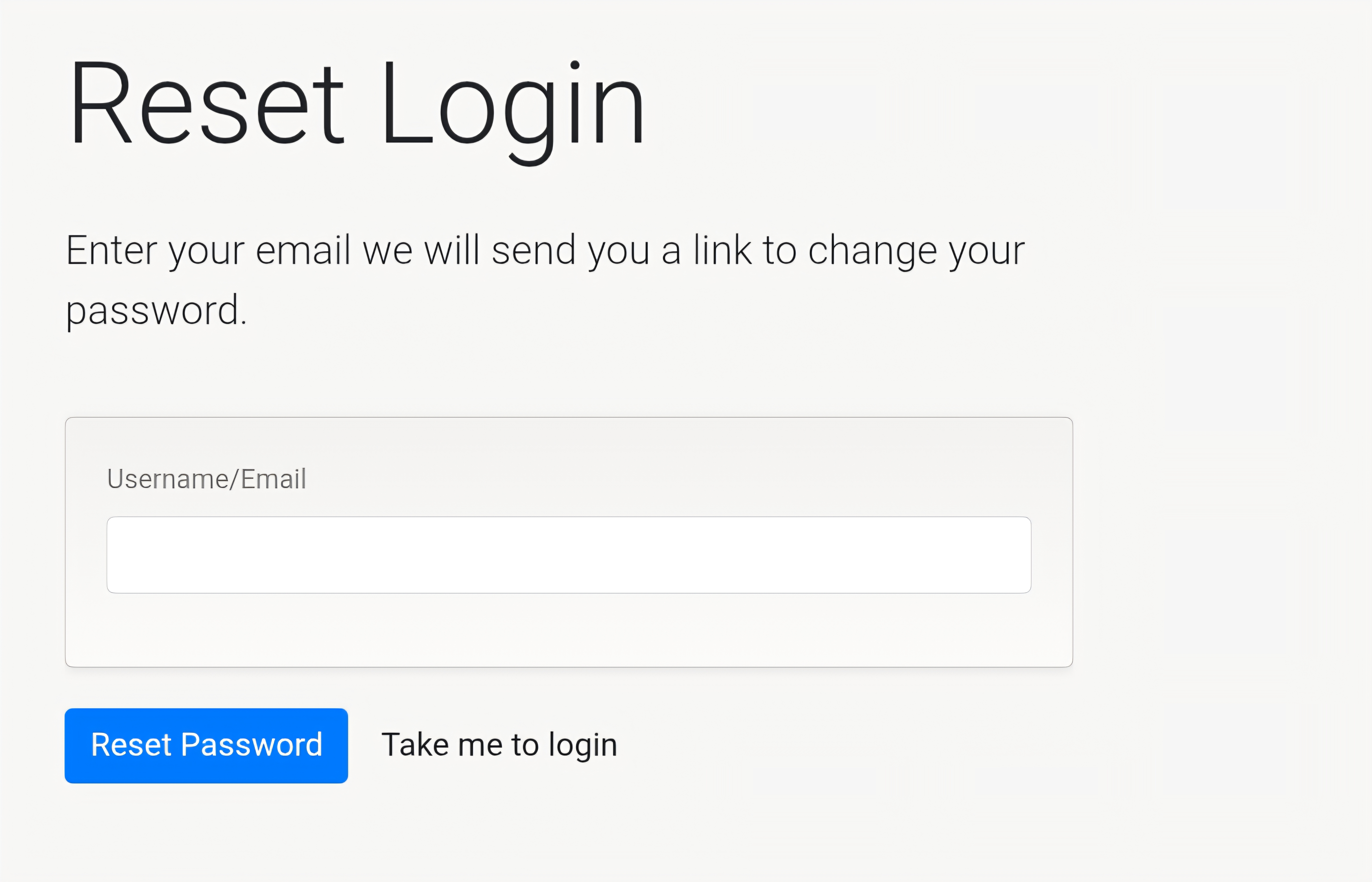
Step 2: Request a Password Reset
- In the Username/Email field, enter the email address associated with your SpurrOpen account.
- Select Reset Password.
If the email address is registered, a password reset email will be sent to you.
Step 3: Check Your Email
The password reset email will include:
- A secure reset link to create a new password
Click the link and follow the on-screen instructions to set a new password.
Note: The reset link is time-sensitive and can only be used once.
Step 4: Create a New Password
When prompted, enter a new password that meets the platform’s security requirements, then confirm the change.
Once completed, your password will be updated immediately and you can login
Didn’t Receive the Reset Email?
If you do not see the email:
- Check your spam or junk folder
- Ensure the correct email address was entered
- Wait a few minutes and try again if needed
Was this article helpful?
That’s Great!
Thank you for your feedback
Sorry! We couldn't be helpful
Thank you for your feedback
Feedback sent
We appreciate your effort and will try to fix the article